01
Pick a model
Choose any Hugging Face model. The control plane validates VRAM requirements and prepares the runtime. No manual GPU configuration.
The Compute engine abstracts GPU selection, provider routing, and runtime configuration behind one API. Pick a model, deploy, and start serving at predictable hourly rates.
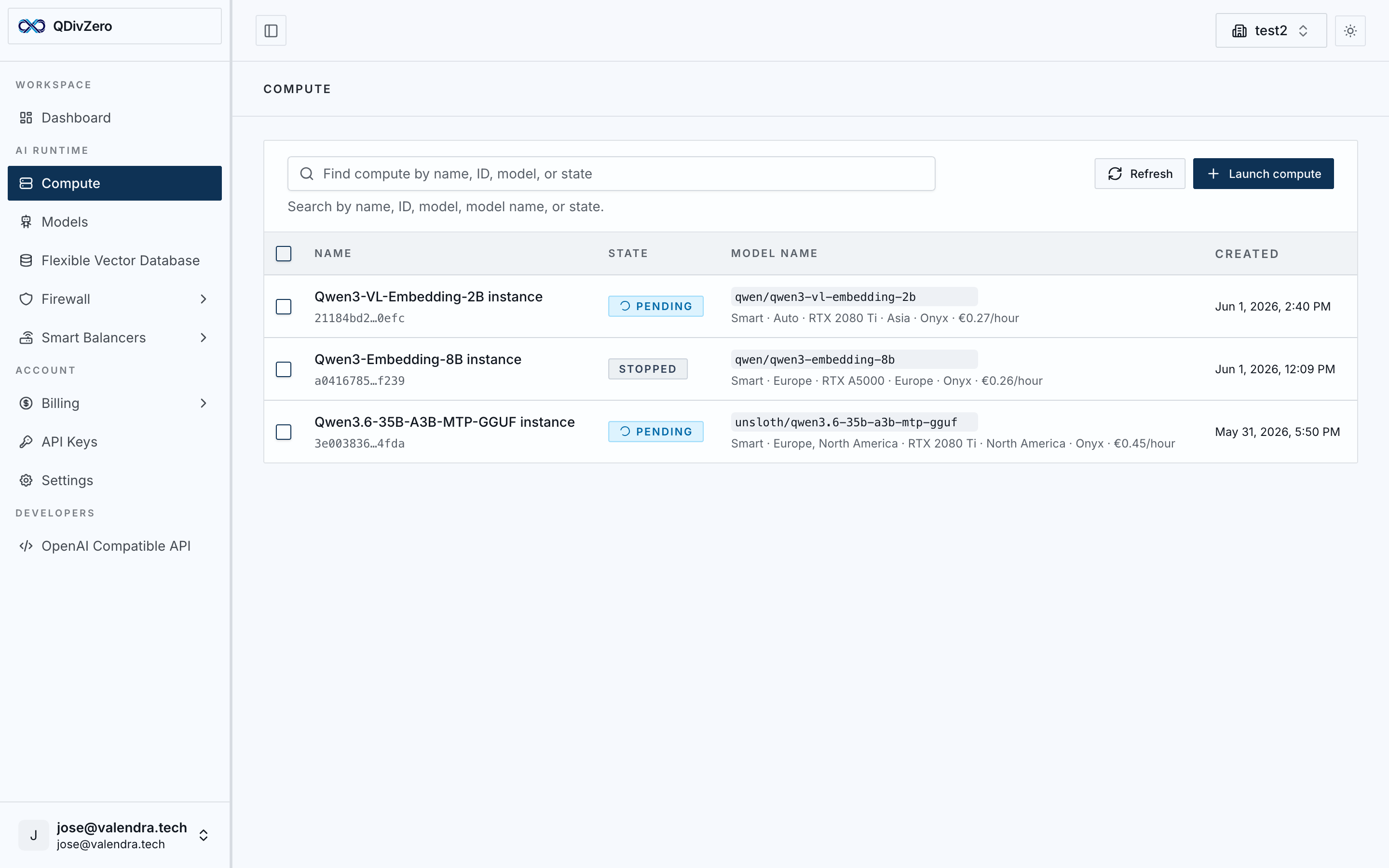
Choose any Hugging Face model. The control plane validates VRAM requirements and prepares the runtime. No manual GPU configuration.
The scheduler selects the optimal capacity across available providers. Runtime, networking, and scaling are provisioned automatically.
Your model is exposed as an OpenAI-compatible endpoint. Use the Python SDK or any HTTP client. Same API, any model.
Pay a fixed hourly rate for each model. Scale up when you need more capacity. Stop when you don't. Your invoice is the sum of active compute hours.

Example workload
8 h/day · 20 days/month
Similar capacity to GPT-5.4-mini for general and agentic tasks.
Calculated at 8 hours/day, 20 working days/month. Actual costs depend on your usage pattern and can be lower with scheduled start/stop rules.
Example workload
8 h/day · 20 days/month
Multimodal embedding model. Generate embeddings from text and images at predictable cost.
Calculated at 8 hours/day, 20 working days/month. Actual costs depend on your usage pattern and can be lower with scheduled start/stop rules.

Example workload
8 h/day · 20 days/month
Similar capacity to Grok 4.3 High for reasoning and instruction-following workloads.
Calculated at 8 hours/day, 20 working days/month. Actual costs depend on your usage pattern and can be lower with scheduled start/stop rules.

Example workload
8 h/day · 20 days/month
Similar capacity to Opus 4.7 for complex, long-context enterprise workloads.
Calculated at 8 hours/day, 20 working days/month. Actual costs depend on your usage pattern and can be lower with scheduled start/stop rules.
External provider estimates
Estimated per user at 15M input + 10M output tokens/month. Output is usually the expensive side.

Claude 3.7 Sonnet
200k context

GPT-5.4 mini
OpenAI fast tier
GPT-5.5
OpenAI standard tier
Opus 4.7
Anthropic reasoning tier
QDivZero stays the same price as you add users; only compute capacity is limited.
Performance comparisons sourced from Artificial Analysis. Prices are indicative and depend on actual resource allocation.
Regional controls, verified capacity, and private-by-default operations for production AI workloads. Add Firewall when policy must sit in the request path.
Regions
European deployments for GDPR-sensitive workloads, with the option to disable unverified servers.
Runtime
QDivZero Agent, mTLS-authenticated traffic, and GPU security module checks before capacity is accepted.
Privacy
We do not store conversation logs.
Create cron rules to turn instances on before traffic and off after hours. Lower the invoice, cut idle energy use, and keep operations predictable.
Pay only while compute is actually running.
Avoid overnight and weekend GPUs consuming power without work.
Bring instances up before users, jobs, or office hours begin.
Time-based start and stop rules for this instance.
Action
Start
Timezone
UTC
Cron expression
0 9 * * 1-5
Action
Stop
Timezone
UTC
Cron expression
0 19 * * 1-5
Deployment, routing, pricing, security, scheduling, and API compatibility in one runtime.
Pick a model and let Compute validate runtime requirements and prepare capacity for serving.
The scheduler selects capacity across available providers for cost, availability, and latency.
Expose deployed models behind the standard OpenAI contract so existing clients keep working.
Use cron-based start and stop rules so workloads run when needed and stay off when they do not.
Pay for compute hours instead of tokens, with pricing that stays predictable as usage grows.
Apply regional controls, verified runtime checks, and private-by-default operations for production workloads.
Point existing OpenAI-compatible code at QDivZero and run production AI workloads on capacity-priced infrastructure.
View docsfrom openai import OpenAI
client = OpenAI(
base_url="https://api.qdiv0.com/v1",
api_key="your-api-key",
)
response = client.chat.completions.create(
model="your-model",
messages=[
{"role": "user", "content": "Hello world"}
],
)Compute abstracts infrastructure decisions so you can focus on your product. Start with a model, add products as your workload grows.